BABY MONITOR RANGE · ONE PROJECT CONTACT
Build a Baby Monitor Range Buyers Can Understand.
Choose models by care scenario and viewing route. Move from product shortlist to samples, quotation, delivery and launch through one connected project path.
- Focused shortlist with a clear role for every model
- Sample plan with the selected version and complete kit
- Quotation with MOQ, price and a delivery schedule
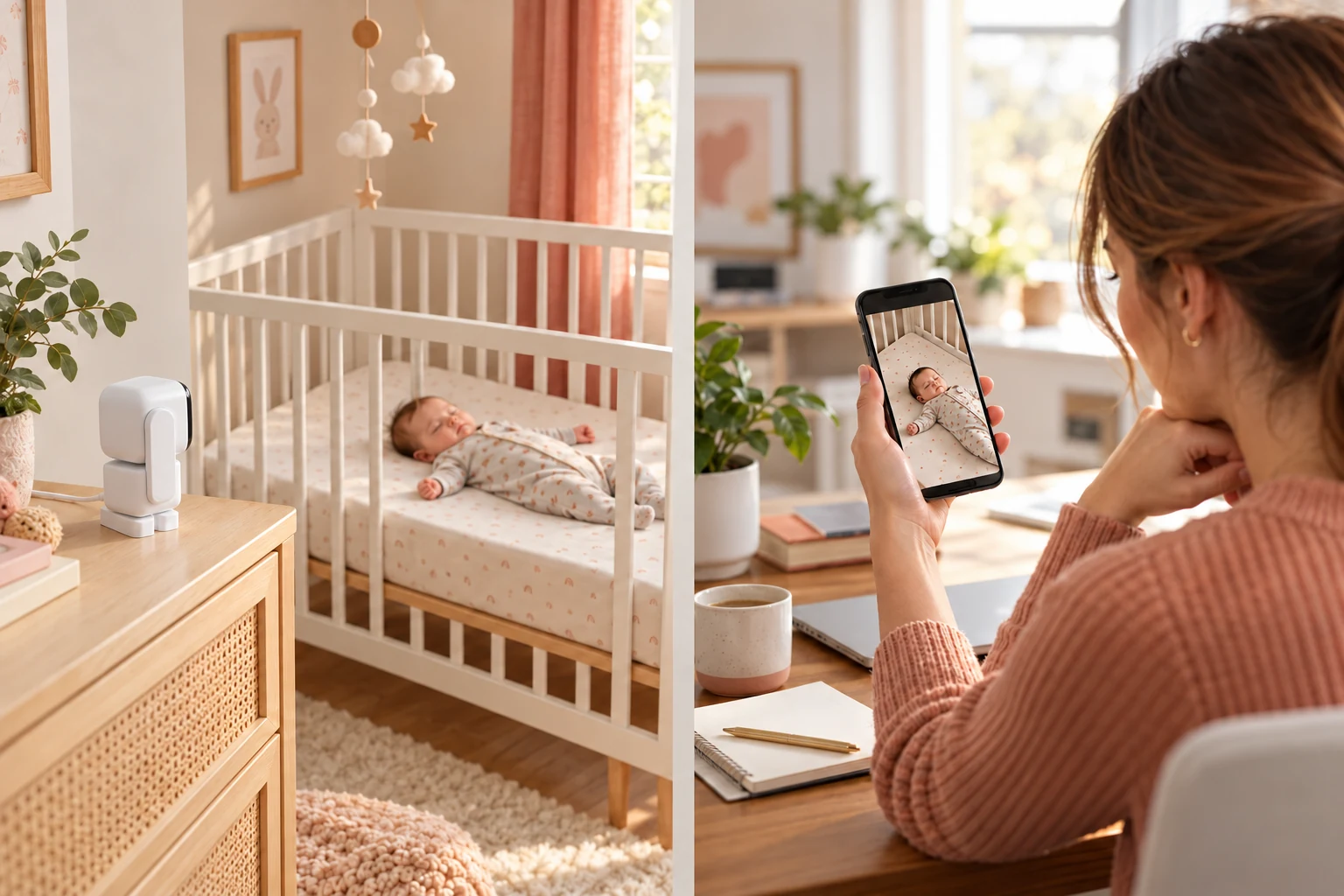
Switch between three product roles
A dedicated screen at home. App viewing when away.
Baby monitor range
Different designs. A range of possibilities.
Explore by use. Compare the designs and viewing options that could fit your next product range.
Explore product designs and viewing options. Your quotation records the selected model, kit and order terms.
Know what your project documents will contain.
Every commercial point sits in one named deliverable, so the product, sample, quotation and delivery plan stay aligned.
MOQ & pricing
Your quotation records the selected model, version, kit, quantity, applicable MOQ and unit pricing.
Exact evaluation set
Your sample plan lists the selected version, included items, evaluation points, cost and dispatch schedule.
Market documents
Your project file lists the product documents matched to the quoted version and destination.
Delivery milestones
Your delivery plan records product approval, packaging files, production milestones and shipment handover.
Real quantities and timelines for named products.
These examples are tied to the exact models and supply routes shown below.
Units
Standard neutral housing, English manual and default eight-language firmware.
Units
Logo, custom color box and multilingual printed manual.
Units
Dutch system menu, custom boot-up screens and brand packaging.
Small-batch schedule
Orders above 500 units: 25–35 days. Payment: 30% deposit and balance before shipment.
Commercial terms · updated 8 October 2026 · Source: ANICEBB product quotation and ABM790S commercial specification.
Start with a clear product role.
Add a complete evaluation set to the project brief in one click. Each set compares a distinct product role.
Core + step-up local viewing
Compare two dedicated-screen positions for an everyday home-monitor range.
- ABM600
- ABM570
Three connected product roles
Compare connected viewing across a core model, night-light position and larger-display position.
- ABM720S
- ABM206
- ABM790S
Travel + connected home pair
Compare camera-side battery placement with a dedicated-screen and App viewing route.
- ABM950S
- ABM720S
Products Designed Around Real Care Moments.
Show buyers why a product deserves a place in their range by connecting functions to clear customer outcomes.

Keep everyday routines moving without losing sight of care.
A dedicated local display gives families a clear way to check in while cooking, working or moving between rooms.
A straightforward core offer for channels serving families who prefer a separate monitor instead of relying on a phone.
One Project Contact. Four Concrete Outputs.
Move from product choice to launch with a shortlist, sample set, commercial file and delivery checklist.
Explore How We Support ProjectsFocused product shortlist
Models organized by customer need, viewing route, price position and role in the range.
Matched sample set
Selected versions, complete kits and an evaluation sheet for side-by-side review.
Commercial & document file
MOQ, pricing, branding scope, product documents and order inputs in one project record.
Delivery & launch checklist
Product approval, packaging files, production milestones, shipment handover and support contacts.
Build a Product Range Around Your Market.
Share your market, target customer and intended retail price range. Receive a focused shortlist organized by product role, channel fit and price position.
Your selection brief includes buyer context, model roles, price-position logic and a sample plan.
Understand what your customers are buying.
- Popular products
- Review current popular products in your target market and sales channel.
- Target customers
- Identify who buys them, the needs they serve and how they are positioned.
- Price range
- Use your intended retail price range to focus the product selection.
Selection brief structure: market, channel, customer, model roles, price position and sample plan.
How Selection Decisions Become Real Projects.
See the buyer context, project type, product scope and delivered result for each project.
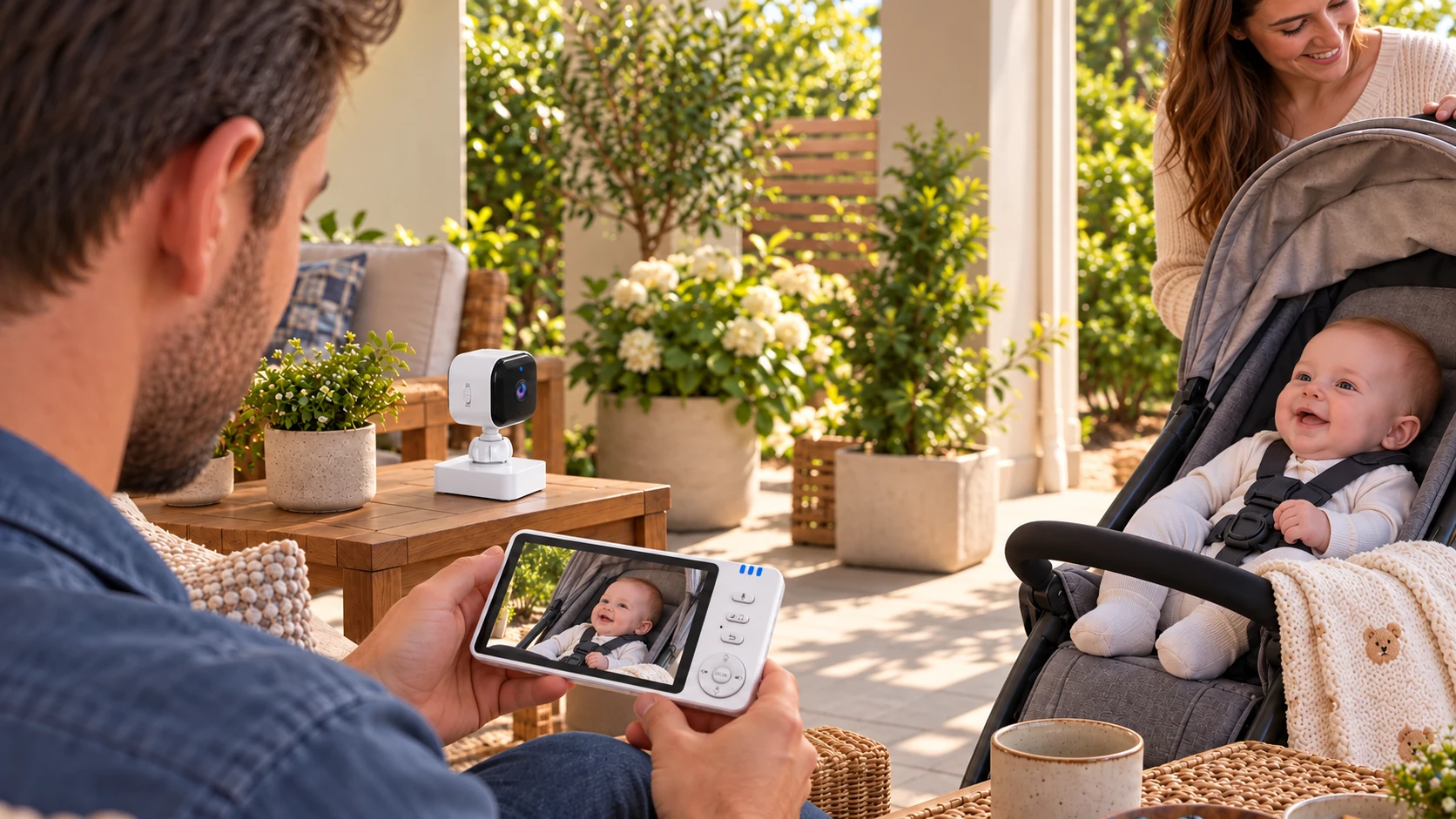 ABM950S · RANGE EXPANSION
Expanding into multi-scene care with a flexible first-order path.
Product positioning · sample evaluation · range expansion
View Project ↗Building a practical first assortment around market and channel fit.
Market context · product roles · accessory planning
View Project ↗Coordinating appearance, software and product requirements as one project.
Multi-product planning · development coordination · launch
View Project ↗Choose the Level of Support Your Project Needs.
Choose a route after you understand the products, customer value and type of support available.
Start with mature products and standard configurations.
For product testing, mixed selection and projects that need a more flexible starting point.
Explore Products ↗ 02OEM CUSTOMIZATIONAdapt a suitable platform for your own brand.
Discuss supported logo, color, packaging, language, accessories and interface changes.
Explore OEM ↗ 03ODM DEVELOPMENTAssess deeper product, structure, software or App requirements.
Development scope, cost, quantity, compliance and timing are evaluated project by project.
Discuss Development ↗ 04DISTRIBUTE ANICEBBBuild an anicebb range for your sales channel.
Receive product recommendations, e-commerce and brand materials, and support for your next channel or range expansion.
Explore Distribution ↗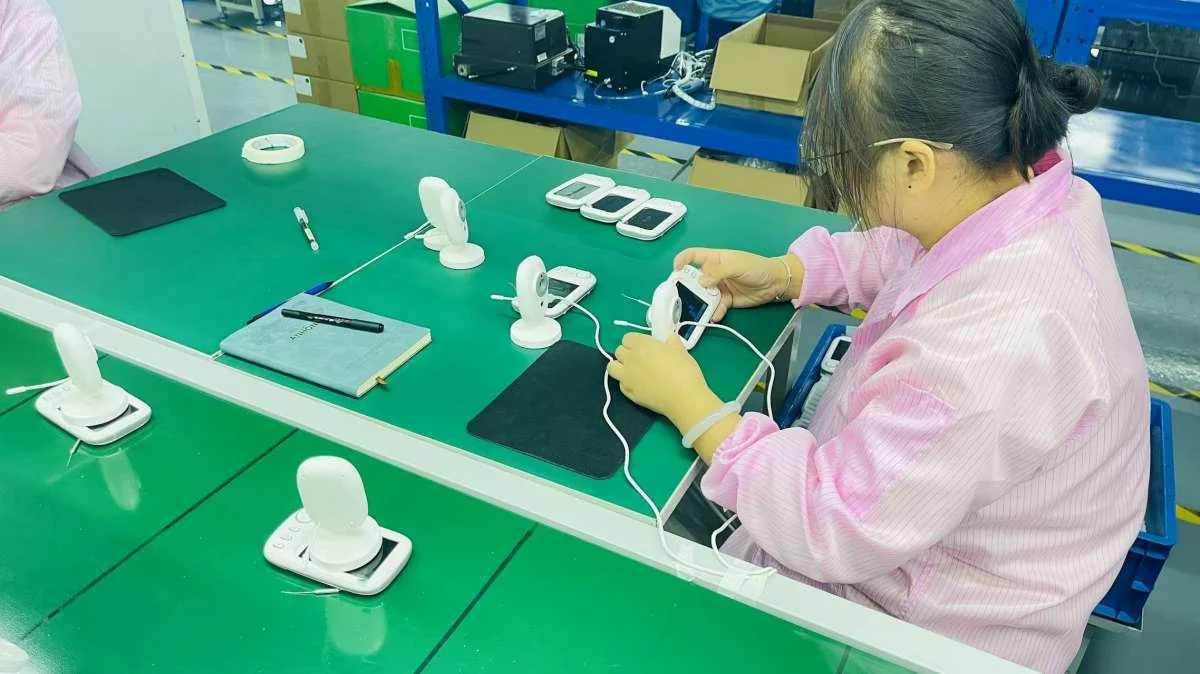 PROJECT COORDINATION · MODEL & VERSION CONTROL
Keep Every Version, Sample and Shipment Aligned.
One project window connects the agreed product, complete kit, packaging files, quality records, delivery information and issue follow-up.
- Product and versionApproved sample and agreed configuration in one product record.
- Kit and market materialsAccessories, plug, language, packaging and labels in one kit file.
- Delivery and follow-upShipment records, handover details and after-sales contacts in one delivery file.
Tell Us What You Want to Build or Add to Your Range.
Share your target market, channel, product direction and buying stage. Your project reply brings the shortlist, sample plan and commercial inputs together.